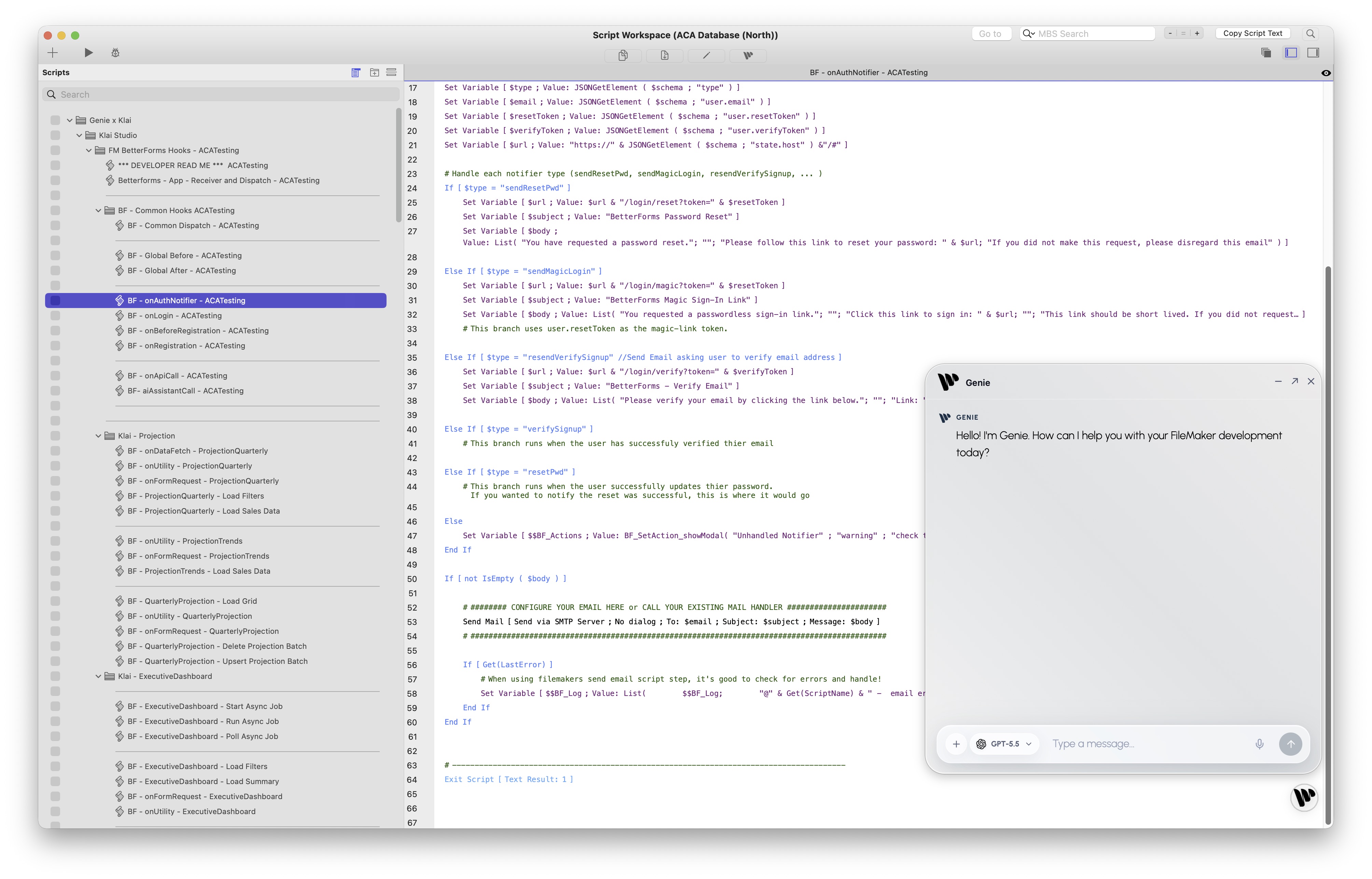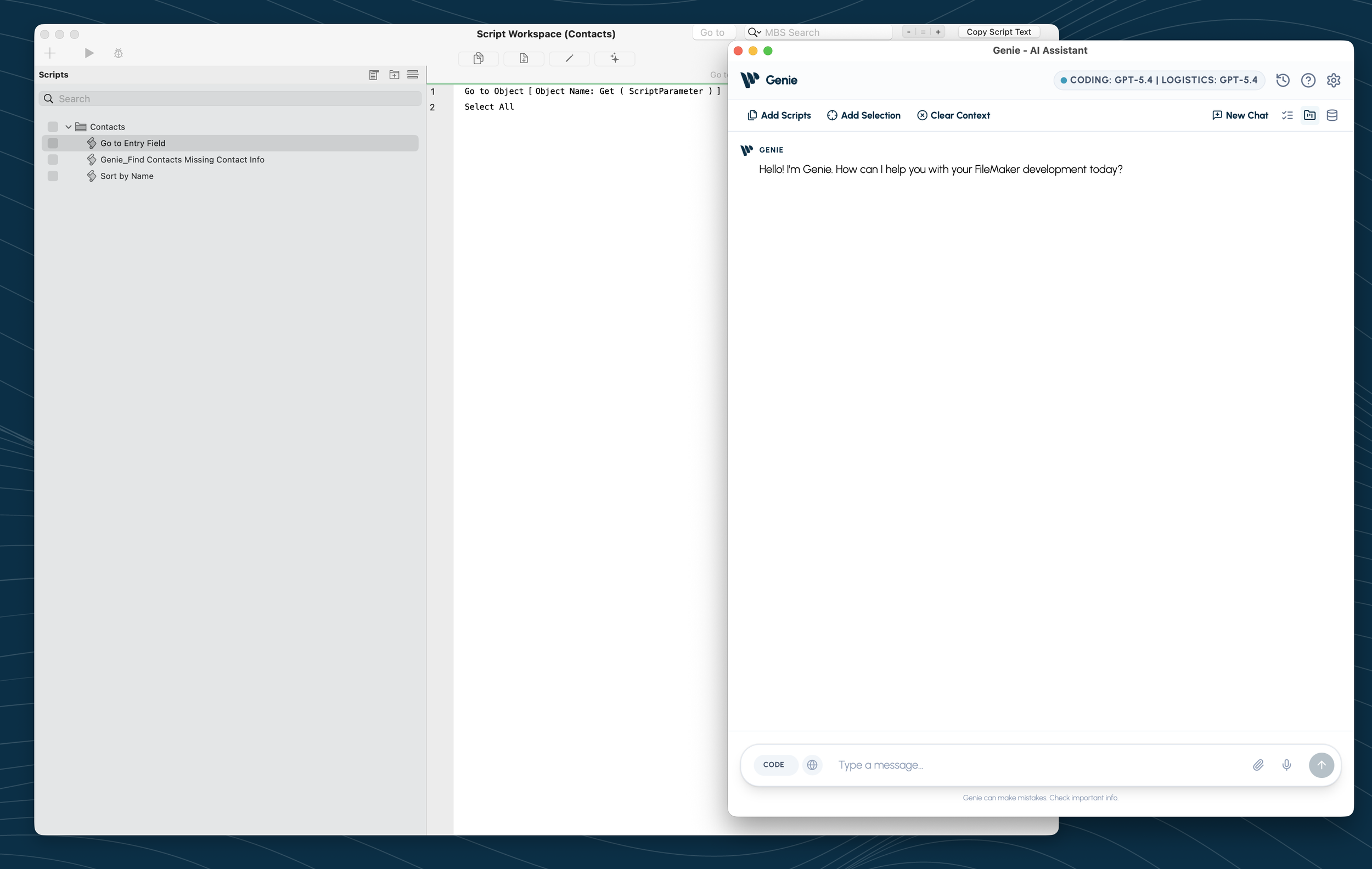
Your First 60 Seconds with Genie
Open Genie in FileMaker, confirm your model, and let AGENT inspect the project. Metadata Explorer is there when you want to make the context more precise.
Read more →
Ideas, techniques, and tools for FileMaker developers building modern operational systems.
Open Genie in FileMaker, confirm your model, and let AGENT inspect the project. Metadata Explorer is there when you want to make the context more precise.
Read more →Genie 2.3 introduces AGENT mode for FileMaker: live reads from the open file, FileMaker 19-to-current compatibility, in-app help, Compact AGENT, Local MCP, charts, documents, analysis, and reviewed creation.
Read more →Connect Claude Desktop to FileMaker through Genie's Local MCP server so it can inspect schema, review scripts, stage edits, and help build layouts from real solution context.
Read more →Learn how Genie uses MCP to connect FileMaker with Cursor and AI agents, making scripts, fields, layouts, and staged changes available for review before apply.
Read more →A practical first look at Genie inside FileMaker Script Workspace. Explore context selection, AI-assisted scripting, Workbench workflows, Quick Calculation AI, preview/refine/apply flows, and grounded FileMaker development.
Read more →A quick tour of Genie's FileMaker plugin workflow: capture script XML and metadata, run preflight, validate or repair output, then apply changes.
Read more →Meet Genie, a FileMaker AI assistant delivered through a local workbench. Preview XML, apply deliberately, and keep FileMaker development grounded in live context.
Read more →A practical walkthrough of using LM Studio as a local model endpoint for FileMaker AI workflows, embeddings, semantic search, and local experimentation.
Read more →